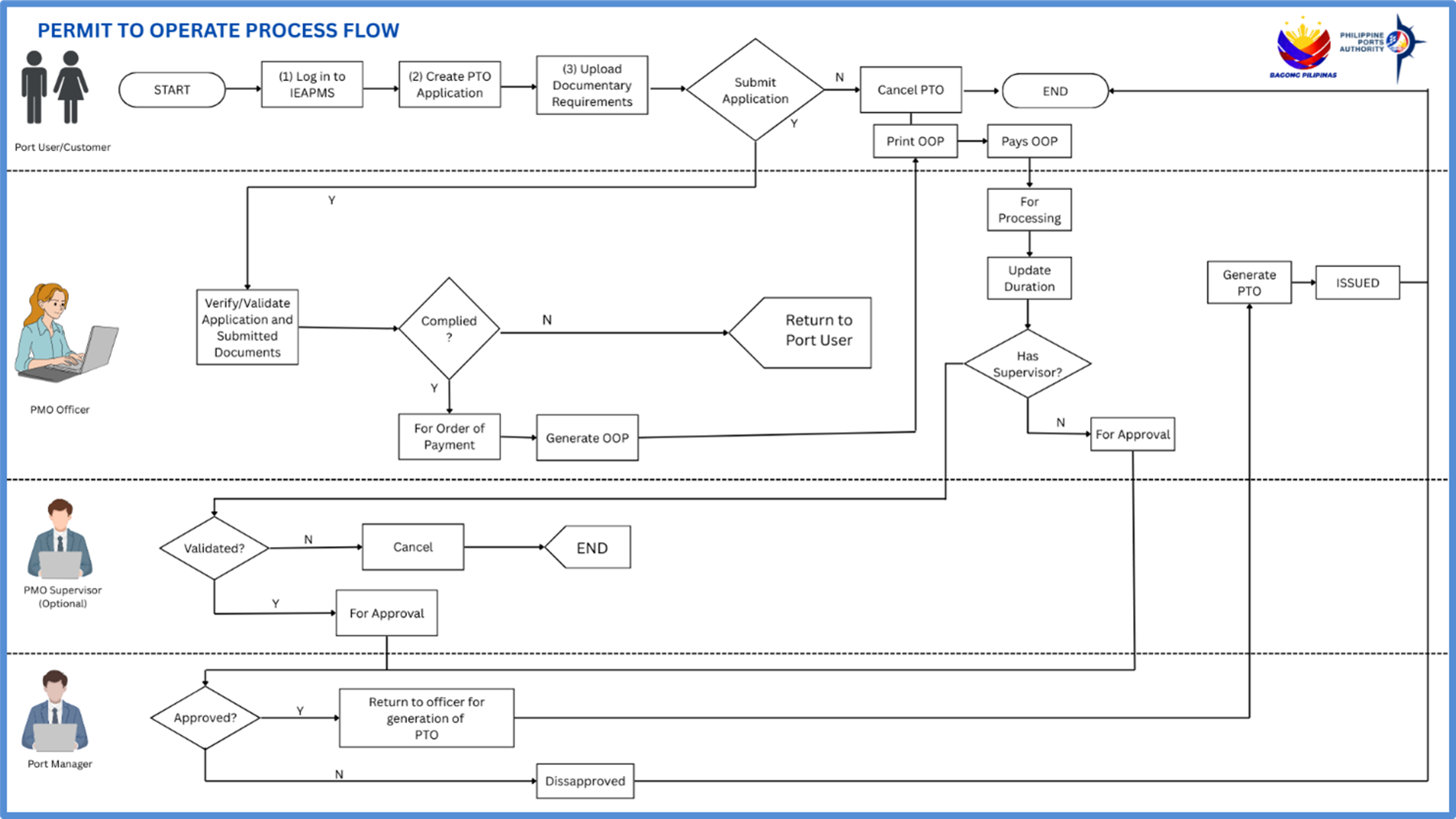
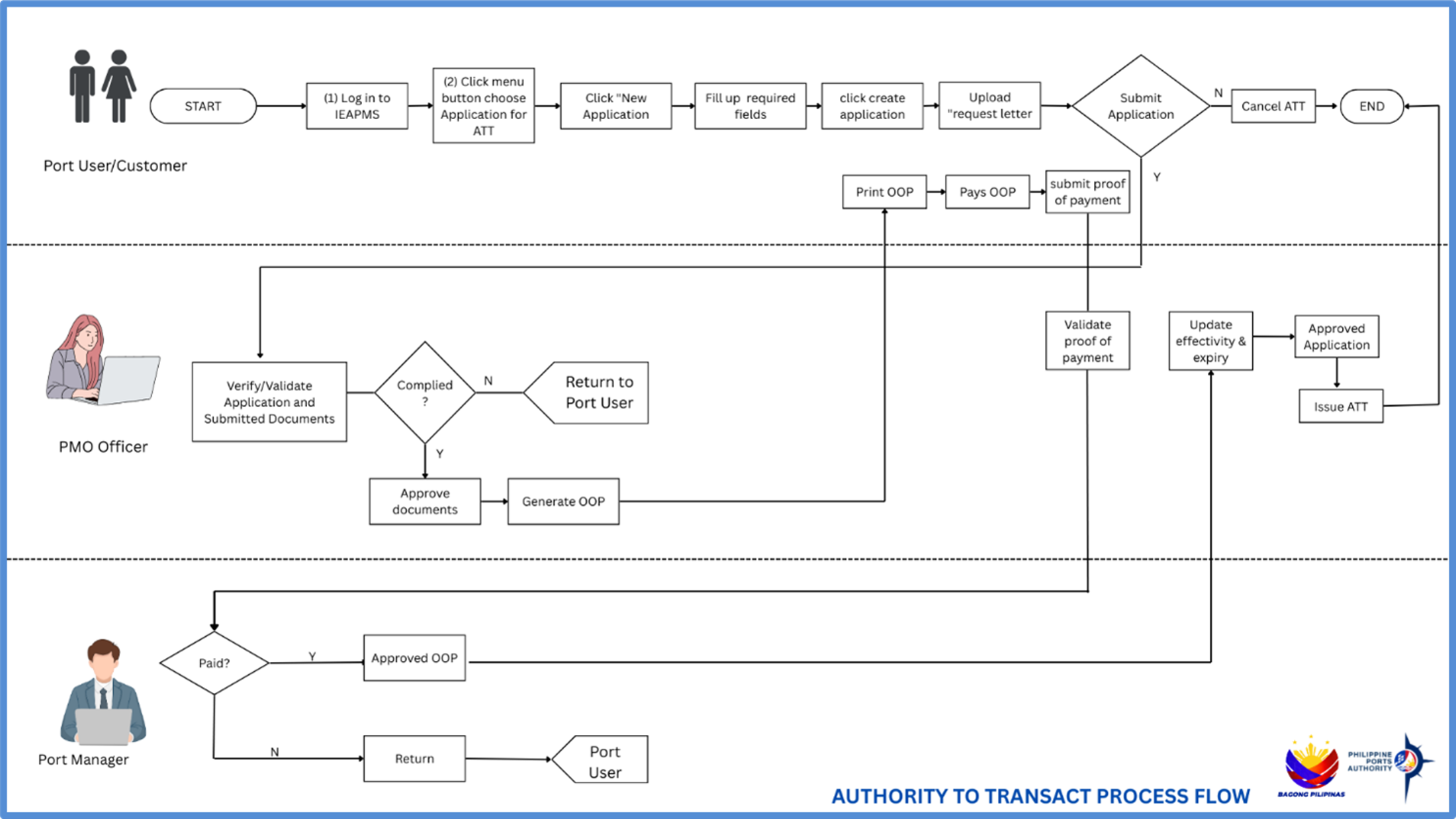
- Vehicle Pass Application
- Port User
- Login to Accreditation System
- Navigate to User Profile. Update List of Vehicles and update name of representative
- Navigate to VPASS application List. Create New Application
- Update vehicle details and upload proof of ownership.
- Generate master list of vehicles.
- Upload master list of vehicles
- Submit application
- PPA Port Police
- Login to Accreditation System
- Validate application and attached document/s
- Update status to For Order Of Payment or Return to Applicant
- If application is in order, generate Order Of Payment (OOP)
- Port User
- Print OOP
- Pay for OOP online or over the counter
- PPA Port Police
- Update effectivity and expiry dates
- Set Status to For Approval
- PPA Port Police
- Set Status to Approved or Disapproved